How to Optimize Google My Business for Real Estate SEO
Master the local pack and become the go-to agent in your neighborhood with these proven GMB strategies.
The Secret Weapon of Top-Producing Agents: Local SEO
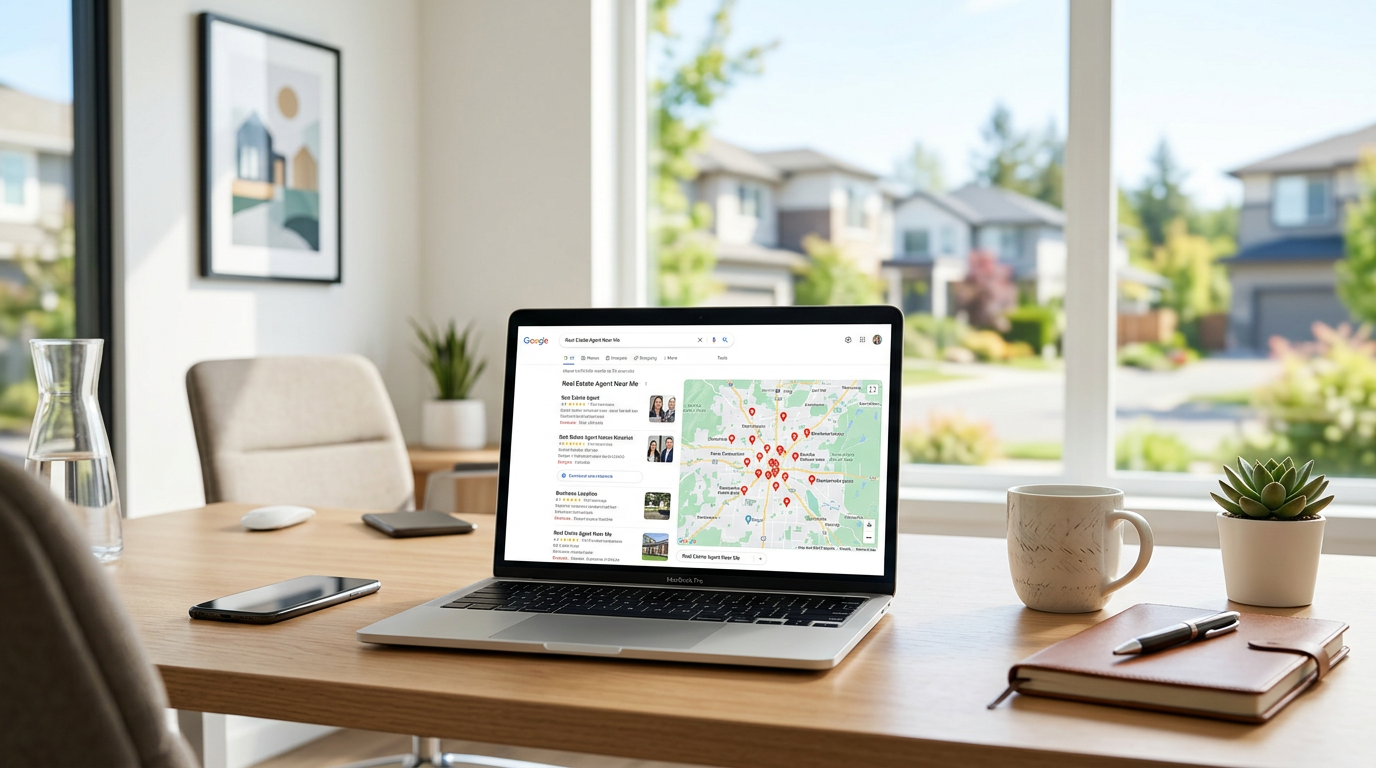
Imagine this: A local homeowner sits down on their couch, pulls out their phone, and types “best real estate agent near me” into Google. In less than a second, a map appears with three highlighted businesses. These aren't just any businesses; they are the “Local Pack,” and they capture the lion's share of clicks, calls, and inquiries. If your name isn't there, you're essentially invisible to the most motivated prospects in your market.
For years, we've called it Google My Business (GMB), though Google has officially rebranded it to Google Business Profile (GBP). Whatever you call it, one thing remains certain: it is the single most important tool in your digital marketing arsenal for dominating local search. While your website is your home base, your Google profile is your digital storefront. It’s often the first impression a client has of your brand, and in real estate, first impressions are everything.
In this guide, we aren't just going to cover the basics of setting up a profile. We’re going deep into the advanced tactics that will help you outrank the competition, build massive social proof, and turn “searchers” into “signed contracts.”
1. Claim and Verify Your Territory
It sounds obvious, but you’d be surprised how many agents haven't actually claimed their profile. Or worse, they have multiple half-finished profiles floating around because they changed brokerages. Step one is to ensure you have one verified profile. If you’re an individual agent at a larger brokerage, Google allows you to have your own profile as long as you are a “public-facing” professional.
When setting up your name, resist the urge to keyword-stuff. While it's tempting to name your business “Best Real Estate Agent City Name - Luxury Homes Expert,” Google’s terms of service are strict. Use your actual business name or your legal name followed by your brokerage if required by local laws. Consistency is the name of the game here.
The NAP Consistency Rule
NAP stands for Name, Address, and Phone number. Google’s algorithm is a bit of a stickler for consistency. If your office address is “123 Main Street, Suite 400” on your website, but “123 Main St. #400” on your Google profile, and “123 Main” on Facebook, Google gets confused. When Google gets confused, your rankings drop. Ensure your NAP data is identical across every platform on the web.
2. Selecting the Right Primary and Secondary Categories
This is where many agents miss the mark. Google uses your category selection to decide which searches you are relevant for. Your Primary Category should almost always be “Real Estate Agency” or “Real Estate Agents.”
However, the real power lies in your secondary categories. Are you also a “Real Estate Consultant”? Do you offer “Commercial Real Estate” services? Adding these helps cast a wider net. Just remember, don't add categories that don't apply to you; Google rewards relevance, not quantity.
3. Crafting a Bio That Converts
Your business description is your chance to tell your story and incorporate the keywords your clients are searching for. Don't just list your awards; tell the reader how you solve their problems. Use a conversational tone that reflects your personal branding for realtors.
Include local landmarks or neighborhood names naturally within your bio. Instead of saying “I sell homes in Miami,” try “Helping families find their dream homes in Brickell, Coral Gables, and the Coconut Grove area.” This tells Google (and potential clients) exactly where your expertise lies.
4. The Visual Advantage: High-Quality Photos and Videos
Real estate is a visual industry. A Google Business Profile with only a blurry headshot and a Google Street View image of the office building is a lead killer. You need to treat your profile like a high-end listing.
Upload professional photos of your recent listings, your team in action, and even shots of you at local community events. Statistics show that businesses with more than 100 photos on their profile get 520% more directions requests and 713% more website clicks than the average business. If you're looking to level up your photography game, check out these 10 real estate photography tips that sell homes faster to ensure every image you upload looks top-tier.
Don't Ignore Video
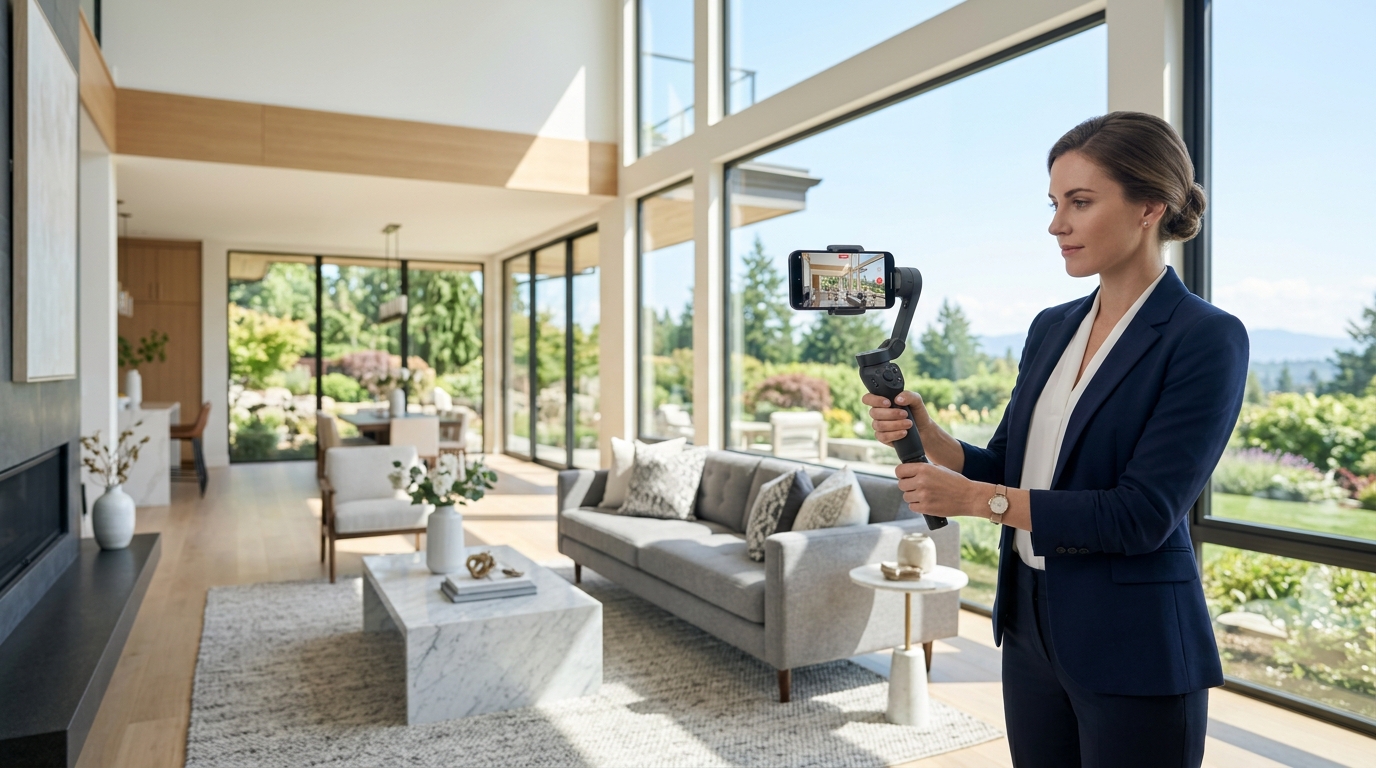
You can upload 30-second videos to your profile. Use this space for a quick “About Me” video, a fly-through of a luxury listing, or a quick market update. Video increases the “dwell time” on your profile, which signals to Google that your content is valuable. For tips on how to engage viewers quickly, take a look at our guide on reels for realtors to see how short-form video can be adapted for your Google profile.
5. The Review Engine: Your Most Powerful Sales Tool
Reviews are the lifeblood of local SEO. They provide the “social proof” that a seller needs to trust you with their biggest asset. But it’s not just about the number of stars; it's about the frequency and the content of the reviews.
- Ask for keywords: When asking a client for a review, gently suggest they mention the neighborhood or the specific service. “I’d love it if you mentioned how we navigated the sale in [Neighborhood Name]” can do wonders for your local rankings.
- Respond to every review: Whether it’s a five-star rave or a rare two-star complaint, respond promptly. It shows you are engaged and care about client satisfaction.
- Stay current: A review from three years ago doesn't carry nearly as much weight as one from last week. Make review collection a standard part of your closing process.
6. Leveraging Google Posts for Real-Time Engagement
Think of Google Posts as your business profile’s “social media feed.” These posts appear directly in search results and can include an image, text, and a call-to-action button. Use Google Posts to:
- Announce New Listings: “Just Listed in Westside! Check out this stunning 4-bed, 3-bath home.”
- Promote Open Houses: Give people a direct link to get directions.
- Share Market Updates: Position yourself as the local expert.
- Highlight Blog Content: Link back to your website to drive traffic.
Google Posts usually expire after a certain period (or get pushed down the feed), so aim to post at least once a week to keep your profile looking active and fresh.
7. Utilizing the Q&A Section
The “Questions & Answers” section of your profile is a public forum. Anyone can ask a question, and anyone can answer. To maintain control over your brand, you should be the one answering.
Pro Tip: You can actually post your own questions. This is a great way to create a “frequently asked questions” section on your profile. Ask things like “What is the current state of the [City] market?” or “How do I prepare my home for sale?” and then provide comprehensive, helpful answers. This not only helps potential clients but also gives Google more text to crawl for relevant keywords.
8. Tracking Success with Insights
Google provides a wealth of data through “Insights” (now part of the Business Profile Performance report). Pay attention to:
- How people find you: Are they searching for your name directly, or are they finding you through “Discovery” (searching for a category or product)?
- Where they find you: Are they seeing you on Google Search or Google Maps?
- Customer Actions: Are they clicking your website, calling you, or requesting directions?
If you notice a spike in direction requests but low website clicks, maybe your profile is doing a great job of showing where you are, but your bio isn't compelling enough to make them want to learn more. Use this data to iterate and improve.
Conclusion: Dominate the Neighborhood
Optimizing your Google Business Profile isn't a “set it and forget it” task. It requires consistent effort—uploading new photos, responding to reviews, and posting updates. However, the ROI is undeniable. When you show up at the top of the local search results, you aren't just getting traffic; you're getting trust.
Ready to take your listings to the next level and give your Google Business Profile the high-end visuals it deserves? The Listing Showcase specializes in professional real estate media that makes your profile pop. From drone photography to virtual tours, we help you stand out. Contact us today to learn how we can help you dominate your local market.